Library Restoration
Warning! Deleting a library is irreversible.
To restore a library as it was on a specific date, follow the procedure below:
Once connected to the portal, access the library you want to restore.
In the menu located below the library name, click on the clock icon.

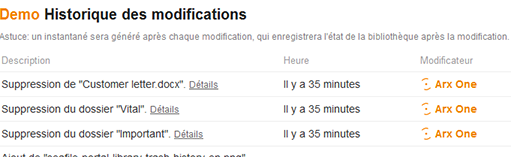
A history of the library will now appear in the form of a list of operations.
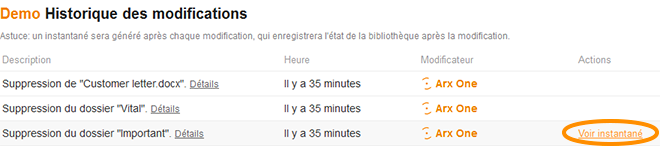
When hovering over an operation, you can click on the "View snapshot" action that appears on the right.
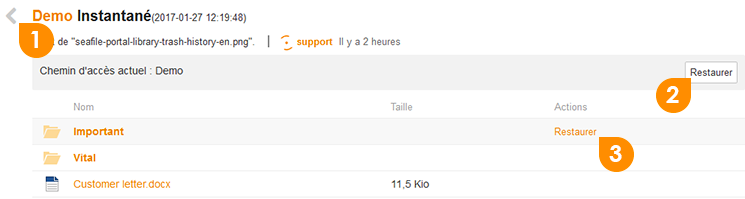
You will see your library as it was at the time of the selected snapshot.
You will then be able to:
- Return to the snapshot list using the arrow located at the top left of the title
- Restore the entire library as it was at the time of the snapshot using the "Restore" button
- Restore a file or a folder as it was at the time of the snapshot using the "Restore" action