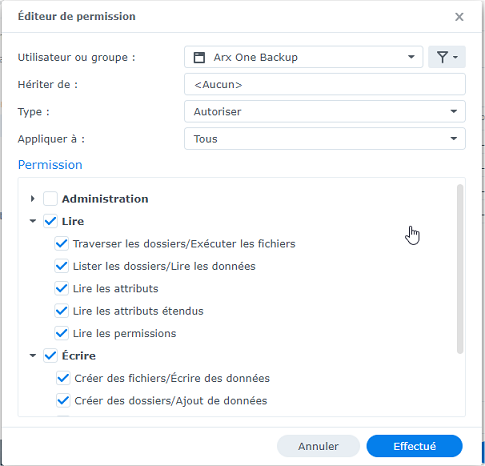
Adding permissions on shared folders to be backed up
This operation must be performed for each shared folder you want to back up.
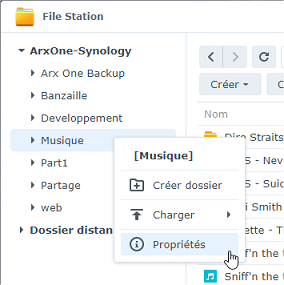
- From FileStation, open the properties of the shared folder to be modified
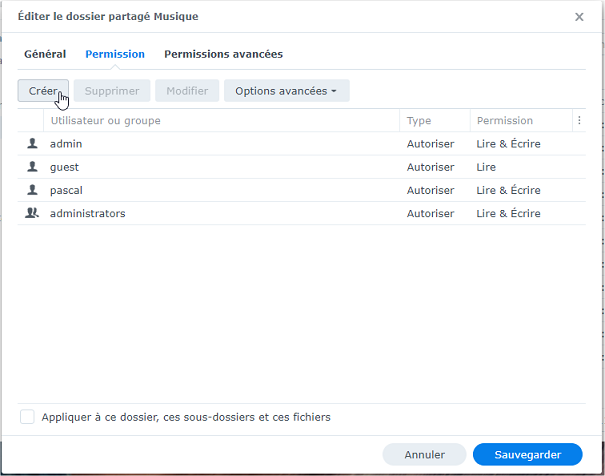
- In the "Permissions" tab, click "Create"
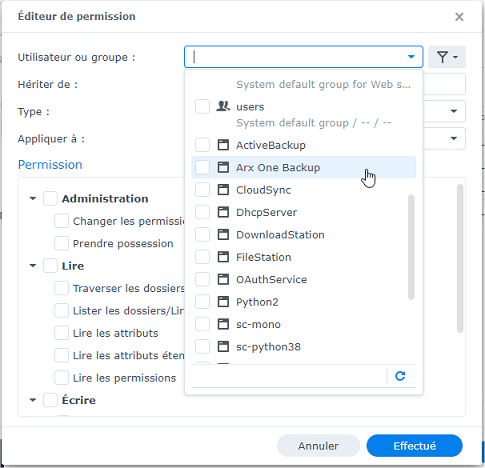
- Select the
Arx One Backupuser
- Grant full "Read" and "Write" permissions