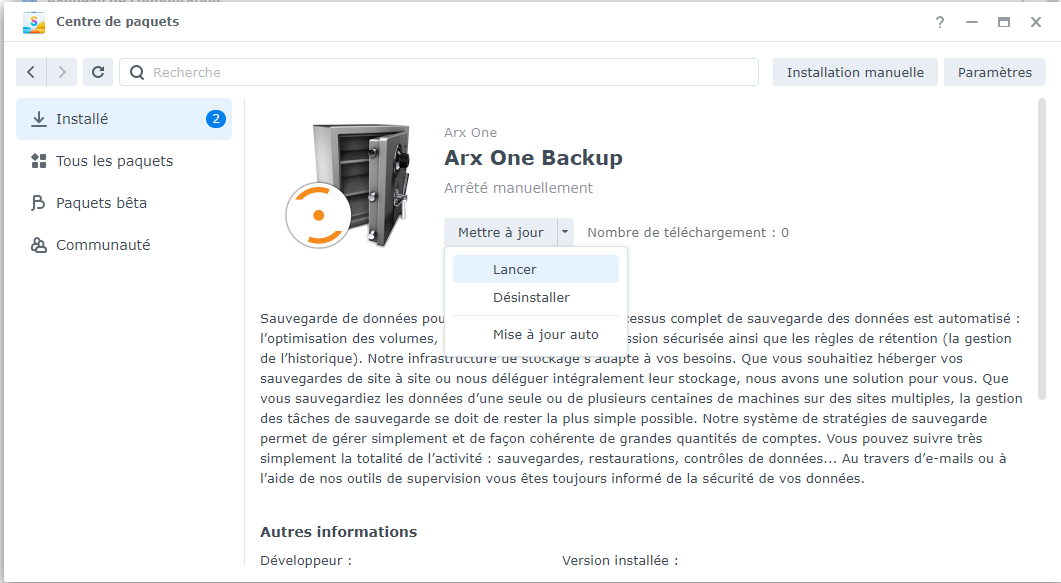
Direct installation of the backup agent on DSM 7
If you have just installed the Arx One Backup agent for the first time on DSM 7, here are the steps to follow to grant it default access rights.
- Open the Control Panel
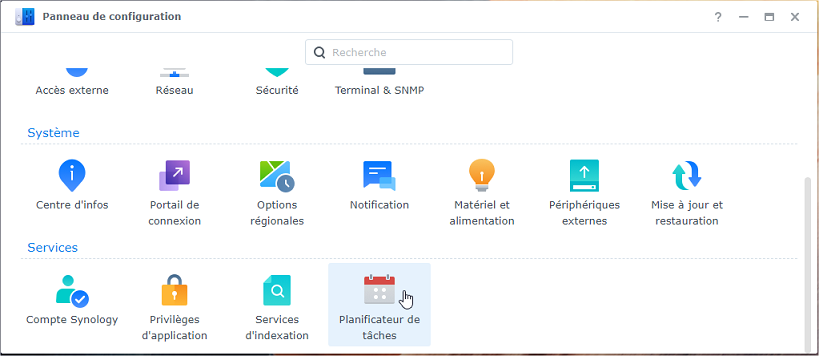
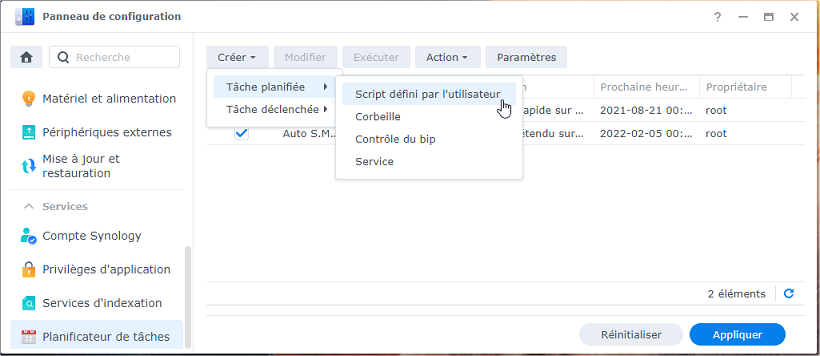
- Create a new scheduled task
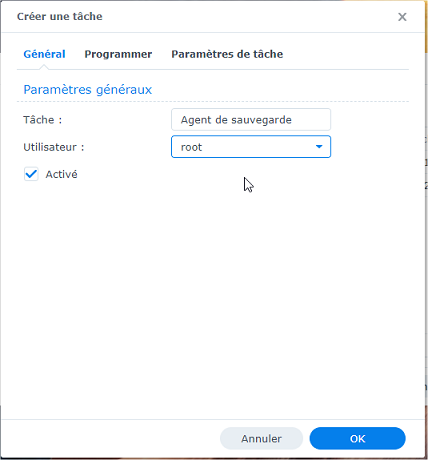
- In the general settings, specify
rootas the user
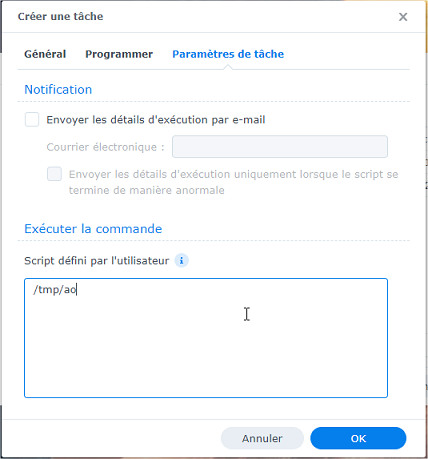
- In the task settings, in the "Run command" section, specify
. /tmp/ao(do not omit the space after the dot)
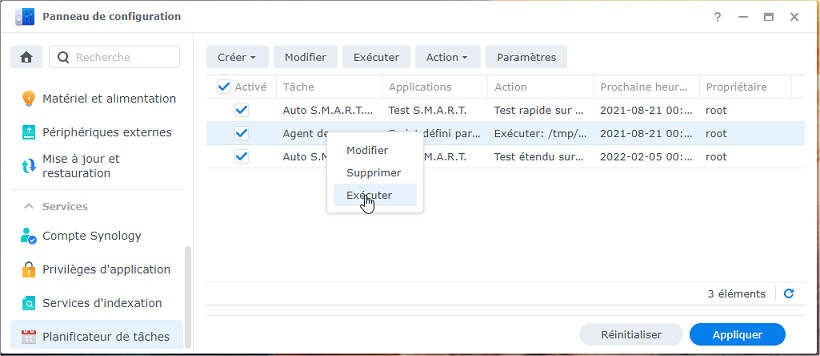
- Run this new task immediately
- Stop the Arx One Backup package
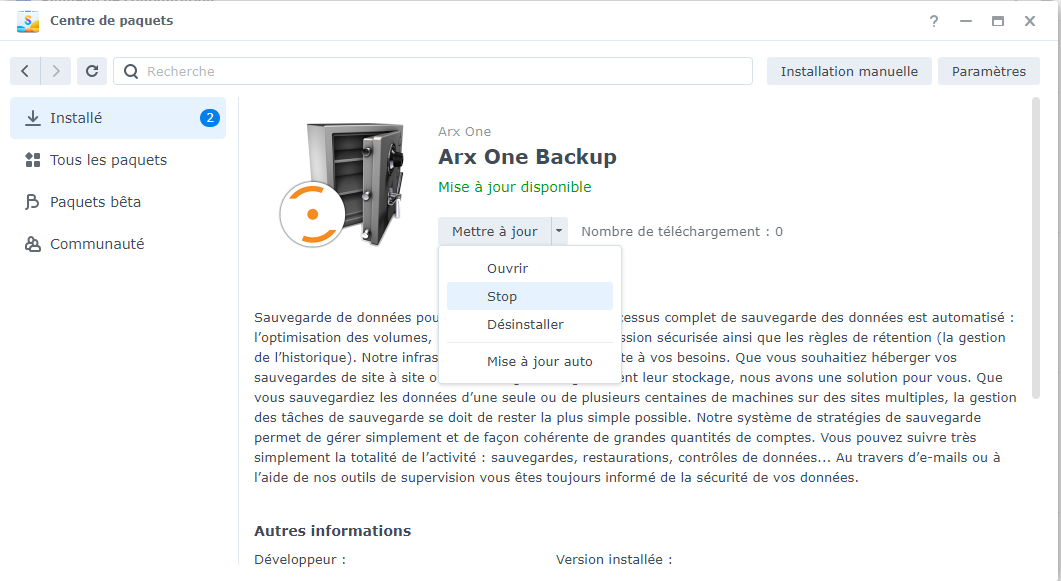
- Start the Arx One Backup package