New Tab
To open a new tab, click the + sign on the right side of the tab list.
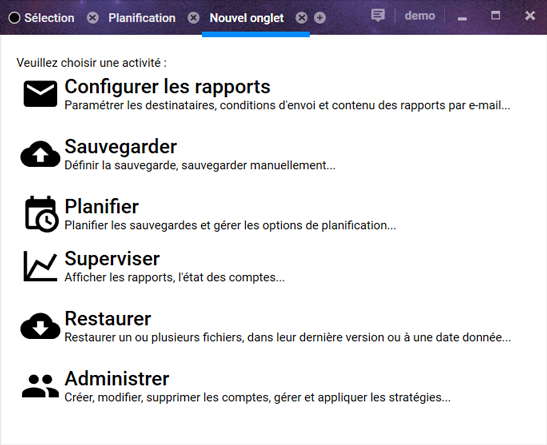
The new tab will then appear and allow you to choose which activity it should contain:
Warning! If your account uses a policy that restricts access to certain types of tabs, they will not appear in the list of available content.